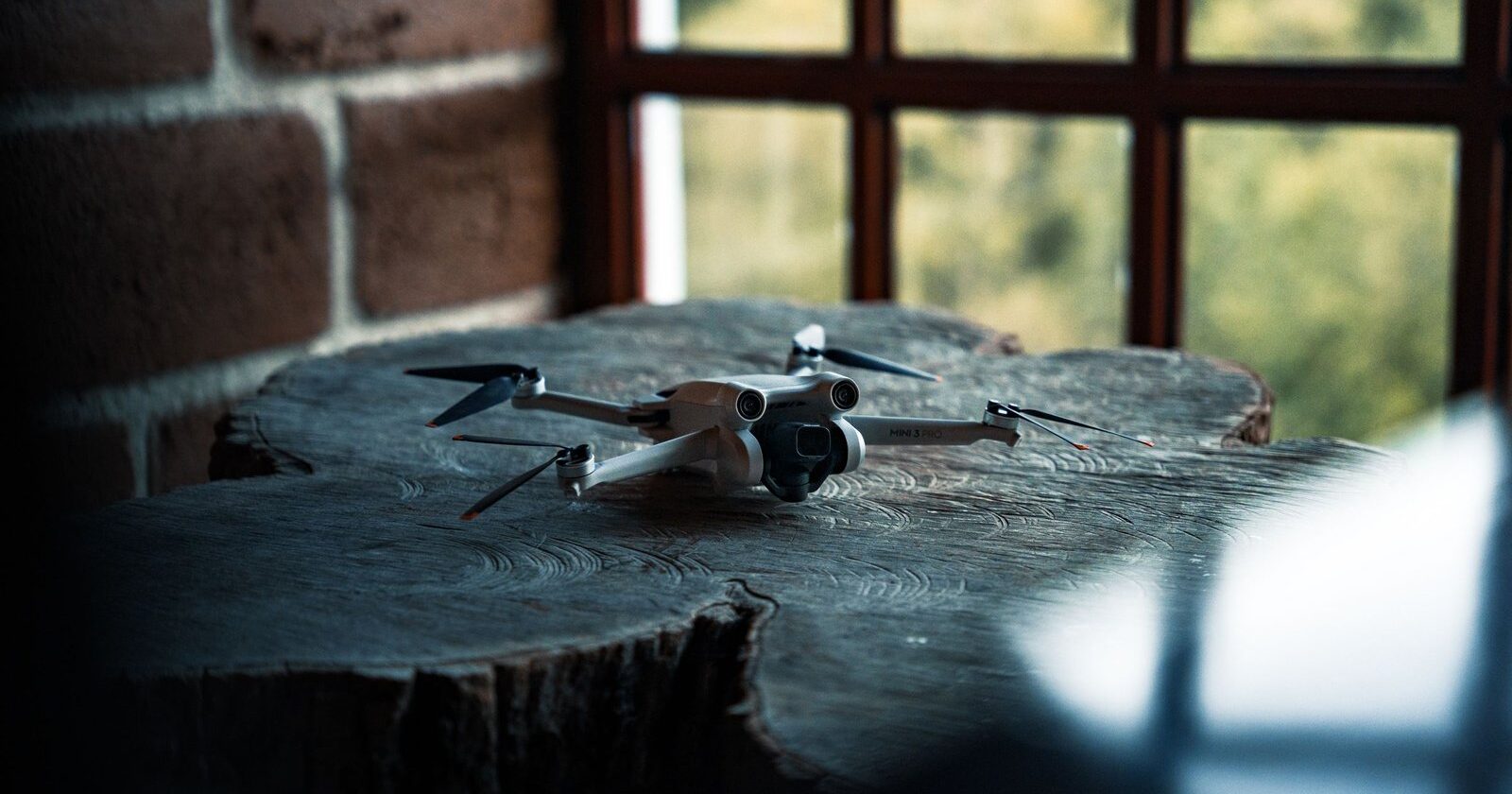
Image: Miguel González / Pexels
The DJI Mini 4K is about as simple as camera drones get, which makes it all the more frustrating when it just sits there. When a Mini 4K won’t take off, the drone is almost always telling you why, through the app, the status light, or both.
Here’s what to check, in order. Everything comes from DJI’s Mini 4K user manual.
Last checked: 19 October 2026, against the DJI Mini 4K User Manual (v1.0, April 2024) and DJI’s UK Mini 4K spec page.
Quick answer
Make sure the battery is charged and awake, the drone is activated in DJI Fly, and the gimbal protector is off. Look at the status light: red and yellow means calibrate the compass, slow red means low battery, solid red means a critical error. Then start the motors with the stick command: push both sticks to the bottom inner or bottom outer corners, and let go once the propellers spin.
1. Is the battery awake and charged?
DJI ships every Mini 4K battery in hibernation mode for safety. You have to charge it with a USB charger to activate it the first time.
A battery can also go back into hibernation. DJI says that if the cell voltage drops below 3.0 V or the level falls below 10%, the battery hibernates to protect itself. Charge it to wake it up.
DJI also says the battery can’t charge while the drone is switched on, so power it off before you plug it in.
2. Have you activated it?
The Mini 4K needs activating in DJI Fly before its first flight, and DJI says you need an internet connection. Power on the drone and controller, then follow the prompts in DJI Fly.
DJI also says flight is restricted to 30 m height and 50 m range if you’re not connected or logged in to the app, so sign in to your DJI account.
3. Is the gimbal protector off and are the arms out?
DJI’s manual says to remove the gimbal protector and unfold all the arms before you power on. A protector left on, or a folded arm, can upset the start-up checks.
4. Are you starting the motors the right way?
The Mini 4K doesn’t take off at the press of a button unless you use auto takeoff. To start the motors manually, DJI uses a Combination Stick Command (CSC):
- Push both sticks to the bottom inner corners or the bottom outer corners at the same time.
- When the motors start spinning, release both sticks together.
Or use Auto Takeoff in DJI Fly: tap the takeoff icon, then press and hold the button when the prompt appears.
5. What is the status light telling you?
The light on the drone is the quickest clue. From DJI’s manual:
| Status light | What it means |
|---|---|
| Blinks red, yellow, green, blue and purple in turn | Powering on and running self-checks |
| Blinks purple slowly | Warming up |
| Blinks green slowly | GPS enabled |
| Blinks green twice, repeatedly | Downward Vision System enabled |
| Blinks yellow slowly | GPS and Downward Vision System off (ATTI mode) |
| Blinks yellow quickly | Remote controller signal lost |
| Blinks red slowly | Low battery |
| Blinks red quickly | Critically low battery |
| Blinks red | IMU error |
| Solid red | Critical error |
| Blinks red and yellow in turn | Compass calibration required |
If it’s still warming up (slow purple), wait. If it’s slow or fast red, charge the battery. A solid red light or an IMU error needs DJI Support if a restart doesn’t clear it.
6. Does the compass need calibrating?
If the light blinks red and yellow, or DJI Fly asks for a compass calibration, do it before you try again. DJI also recommends calibrating when you’re more than 50 km from where you last flew, or if the drone hasn’t flown for more than 30 days.
DJI’s steps, in an open area away from cars, steel structures and anything magnetic:
- In DJI Fly, go to System Settings > Safety > Calibrate and follow the prompts. The status light turns solid yellow.
- Hold the drone horizontally and turn it 360°. The light turns solid green.
- Hold it vertically and turn it 360° around a vertical axis.
- If the light blinks red, calibration failed. Move somewhere else and try again.
If it blinks red and yellow after a successful calibration, DJI says there’s too much magnetic interference where you are, so pick a new spot. Take off soon after calibrating: DJI says if you wait more than three minutes you may need to calibrate again.
7. Are you in a restricted zone?
DJI’s GEO system limits takeoffs inside zones that may cause safety or security concerns, such as airports. DJI Fly shows a prompt if you’re in or near one. If you’re in a GEO zone with a weak or no GPS signal, DJI says the status light glows red for five seconds every twelve seconds.
Remember that DJI’s zones aren’t the same as UK law. Around UK airports, Flight Restriction Zones apply whatever DJI Fly says. Our where can I fly my drone in the UK guide explains how to check.
8. Run through DJI’s pre-flight checklist
DJI’s checklist covers several things that stop a takeoff:
- The controller, phone and battery are fully charged.
- The battery and propellers are mounted securely and the propellers are spread. Marked propellers go on the arms with marks, unmarked on the arms without.
- Nothing is blocking the motors.
- DJI Fly is connected to the drone.
- The camera lens and downward sensors are clean.
- You’re using genuine DJI parts.
9. Update the firmware
When you connect the drone or controller to DJI Fly, it tells you if there’s new firmware. Connect your phone to the internet and follow the prompts. DJI says the Mini 4K comes with either the DJI RC-N1 or the DJI RC-N1C controller.
A note on cold weather
The Mini 4K’s operating range is 0° to 40°C, according to DJI’s UK spec page. On a frosty morning, keep the batteries warm until you’re ready to fly. Our guide to flying in wind and cold weather has more tips.
UK rules reminder
DJI lists the Mini 4K at 246 g and C0 (EU). It’s over 100 g with a camera, so you need a Flyer ID and an Operator ID. See our Flyer ID vs Operator ID guide.
Frequently asked questions
How do I start the motors on a DJI Mini 4K?
Push both sticks to the bottom inner or bottom outer corners together, then release them once the motors spin. Or use Auto Takeoff in DJI Fly.
Why is my DJI Mini 4K blinking red and yellow?
DJI says that means the compass needs calibrating. Go to System Settings > Safety > Calibrate in DJI Fly.
Why won’t my new DJI Mini 4K turn on?
The batteries ship in hibernation mode. Charge the battery with a USB charger to wake it.
Why can my Mini 4K only fly to 30 m?
DJI restricts it to 30 m height and 50 m range if you’re not connected or logged in to the app.
Can the Mini 4K take off near an airport?
DJI’s GEO system may block it, and UK Flight Restriction Zones apply too. Check before you fly.
Keep reading
- DJI Mini 4K help hub
- DJI Mini 4 Pro won’t take off?
- DJI Mini 5 Pro won’t take off?
- Where can I fly my drone in the UK?
- All help and fixes
This guide is general information based on DJI’s published instructions, not legal advice. If your Mini 4K still won’t take off, contact DJI Support through DJI’s UK support page.
Sources (checked 19 October 2026)
- DJI Mini 4K User Manual v1.0 (EN, 2024.04): battery hibernation, activation, login flight limits, gimbal protector, status indicator, starting the motors, auto takeoff, compass calibration, GEO zones, pre-flight checklist, propellers, firmware, controllers. dji.com/uk/mini-4k/downloads
- DJI Mini 4K and Mini 2 SE specs (UK, shared page): 246 g, C0 (EU), operating temperature. dji.com/uk/mini-2-se/specs
- CAA, Registering to fly drones and model aircraft: caa.co.uk registering