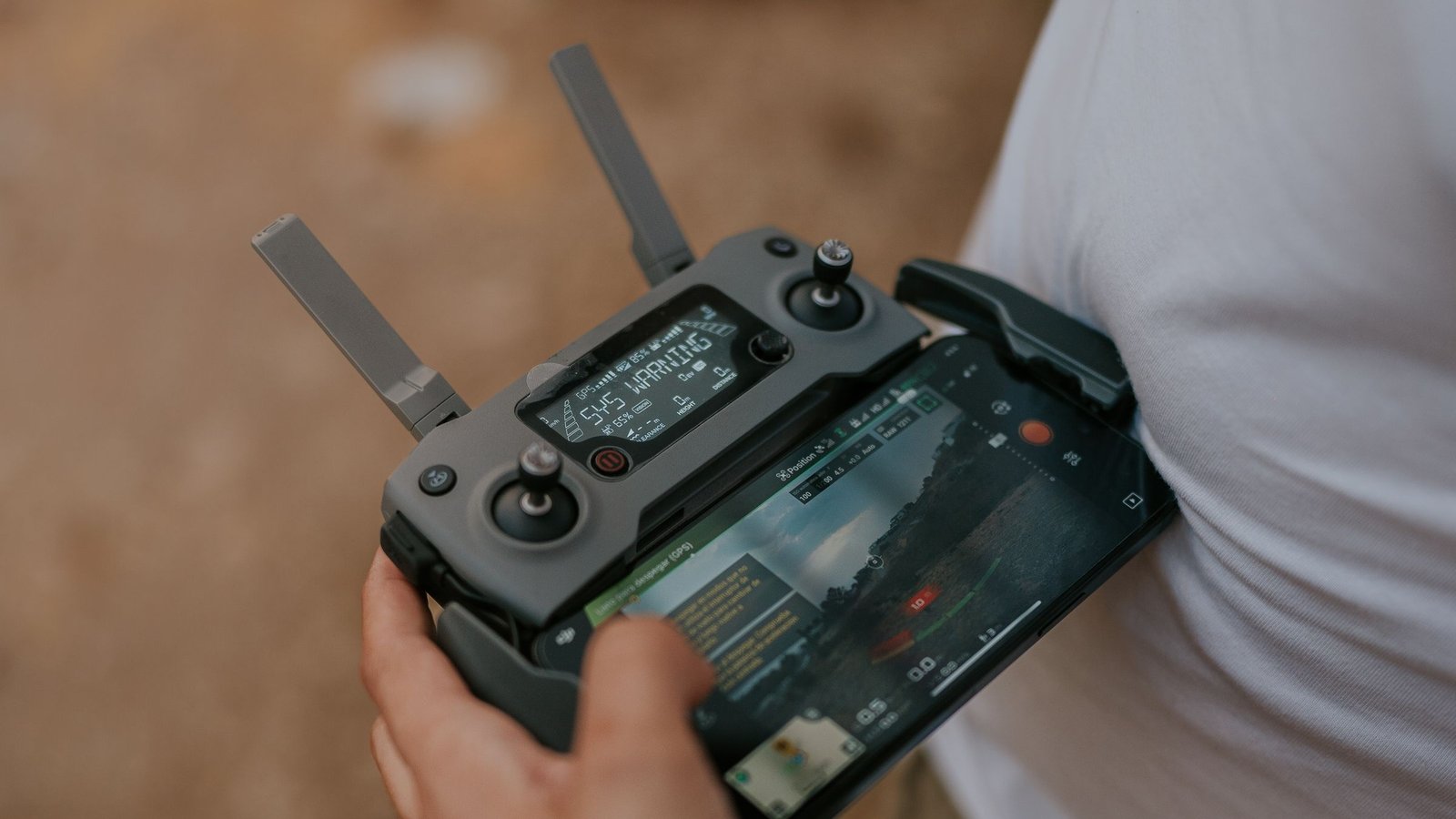
Image: Amar Preciado / Pexels
Quick help
Most HS720G take-off problems come down to an unpaired controller, a drone that hasn’t finished starting up, weak GPS or a compass that needs calibrating. Pair it on a level surface, wait about 25 seconds and for a solid green light, and calibrate the compass in the open. Then find the guide you need below.
Jump to: Won’t take off · Registration
Welcome to the Drones Unplugged help centre for the Holy Stone HS720G, written for people in the UK who already own one. Every fix here is checked against Holy Stone’s own HS720G manual and product page, and every rules answer against the CAA. We say what we checked and when.
Last checked: 19 October 2026.
Most common problems
| Guide | What it covers | Status |
|---|---|---|
| Holy Stone HS720G won’t take off? Compass, GPS and pairing checks | Status lights, pairing, start-up, GPS, compass calibration, unlocking, battery and the app | Live |
UK rules for your HS720G
| Guide | What it covers | Status |
|---|---|---|
| Flyer ID vs Operator ID | Which ID you need and how to get both | Live |
| Where can I fly my drone in the UK? | Maps, apps and restricted zones | Live |
| Remote ID UK explained | What changed on 1 January 2026 | Live |
The short version: Holy Stone lists the HS720G at 377 g. It has a camera and weighs over 250 g, so the CAA requires a Flyer ID and an Operator ID, and the 50 m and 150 m distance rules apply. More in our UK drone laws hub.
HS720G at a glance
| Item (Holy Stone) | Holy Stone HS720G |
|---|---|
| Weight | 377 g |
| Positioning | GPS, GLONASS and optical flow |
| Camera | 4K at 30fps, 2-axis gimbal plus EIS |
| Flight time | 26 minutes per battery |
| App | Ophelia FLY |
Watch-outs: let the drone initialise for about 25 seconds on a level surface before take-off. Holding the red button for 3 seconds is an emergency motor stop. A flashing rear light and no unlock means a low battery.
Contacting Holy Stone: if a fix doesn’t work, stop flying and email Holy Stone’s European support at eu@holystone.com.
Frequently asked questions
Why won’t my HS720G take off?
Check pairing, start-up time, GPS and the compass, in that order. Full steps are in our take-off guide.
What does solid green mean on the HS720G?
Holy Stone says solid green means a good GPS signal.
Do I need to register a Holy Stone HS720G?
Yes. You need a Flyer ID and an Operator ID.
Sources (all read on 19 October 2026)
- Holy Stone HS720G user manual (PDF): https://static.holystone.com/Uploads/Download/2022-03-30/6243ba9f118de.pdf
- Holy Stone HS720G product page: https://www.holystone.com/en/Drones/Premium/HS720G.html
- CAA, Registering to fly drones and model aircraft: https://www.caa.co.uk/drones/open-category/getting-started-with-drones-and-model-aircraft/registering-to-fly-drones-and-model-aircraft/
- CAA, Drone Code, Where you can fly (points 3 to 9): https://www.caa.co.uk/drones/open-category/drone-code/where-you-can-fly-points-3-to-9/