Image: DJI
A red and yellow flashing drone, a DJI Fly warning about compass interference, or a horizon that slowly tilts in your footage: these are the moments Mini 4 Pro owners go looking for the calibration menus. DJI puts them in three different places, for the IMU and compass, the gimbal, and the DJI RC 2’s own compass.
This guide shows where each one lives, according to DJI’s Mini 4 Pro user manual, and when you actually need to calibrate.
Last checked: 18 October 2026, against DJI’s Mini 4 Pro user manual and FAQ.
Quick answer
Compass and IMU: DJI Fly settings > Safety > Sensors. Gimbal: DJI Fly settings > Control > Gimbal Settings. DJI RC 2 compass: Quick Settings > System Settings > Compass. Only calibrate when DJI Fly or the drone tells you to, or to fix gimbal drift, and do it in an open space away from metal and electrical interference.
When you need to calibrate
DJI’s manual says the aircraft shows a warning in DJI Fly after power-on if the compass and IMU experience interference and need calibrating, and to follow the on-screen instructions. You’ll also see it on the drone: the status indicators blink red and yellow alternately when compass calibration is required.
DJI’s troubleshooting section adds one more case. For gimbal drift during flight, DJI says to calibrate the IMU and compass in DJI Fly, and to contact DJI Support if the problem continues.
If none of those apply, there’s no need to calibrate before every flight.
Before you start: pick the right spot
DJI’s flight environment rules explain what upsets the compass. Tall buildings and large metal structures may affect the accuracy of the compass and GNSS, and areas with high levels of electromagnetism, such as power lines, base stations, electrical substations and broadcasting towers, cause interference.
For calibration, that means:
- an open field rather than a pavement, car park or garden next to the house,
- keys, phones and other metal objects away from the drone,
- nowhere near cars, steel fences, reinforced concrete or power lines.
How to calibrate the compass and IMU
- Power on the drone and the controller and open DJI Fly.
- In camera view, open the settings and go to Safety.
- Tap Sensors. DJI’s manual says this is where you view the IMU and compass statuses and start calibration if necessary.
- Choose the compass or IMU and follow the on-screen instructions in DJI Fly.
If DJI Fly has already shown a calibration warning, DJI’s advice is simply to follow the on-screen instructions in that prompt.
How to calibrate the gimbal
- In DJI Fly, open the settings and go to Control.
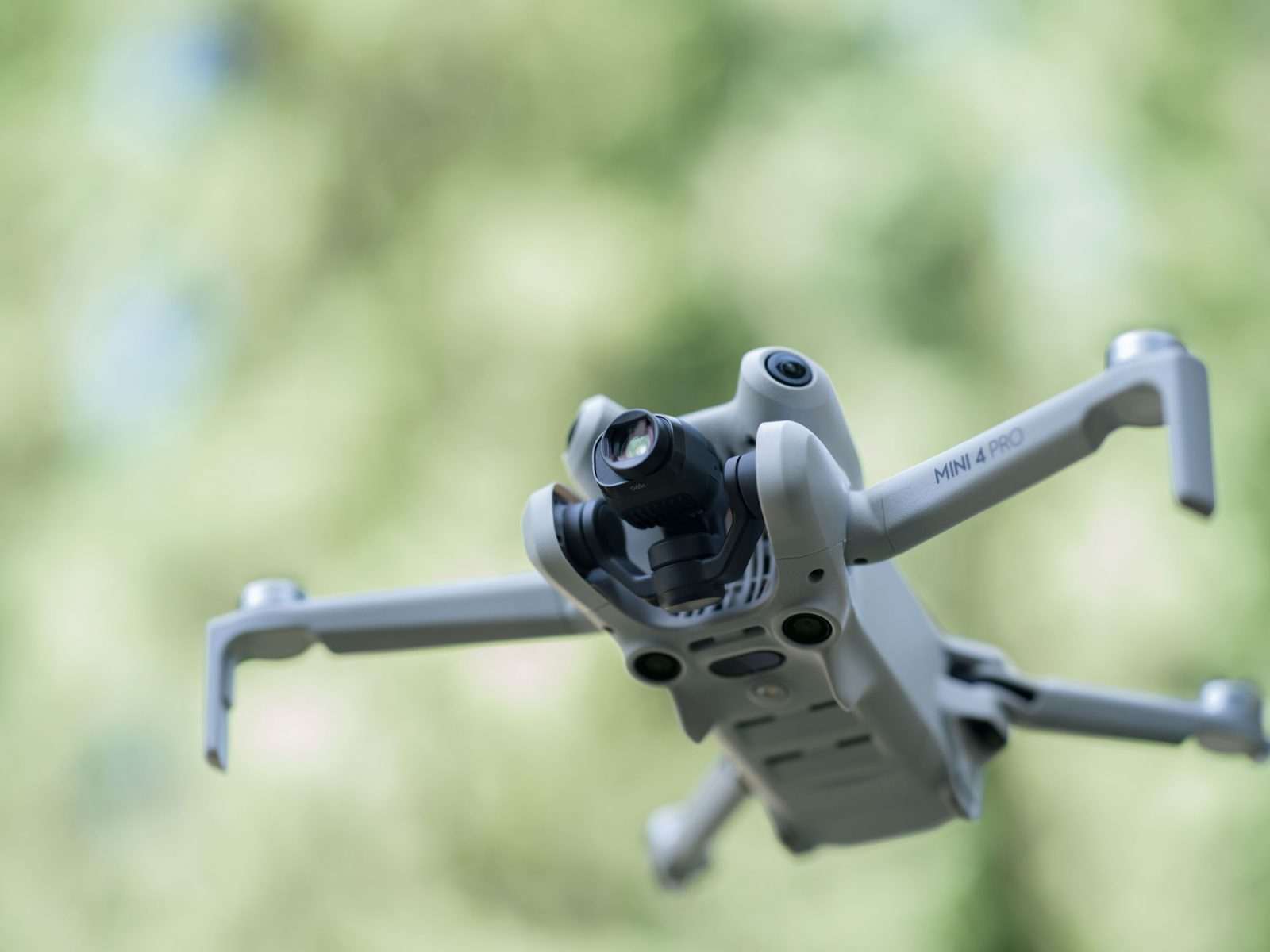
- Tap Gimbal Settings. DJI’s manual says this is where you set the gimbal mode, perform gimbal calibration and recentre the gimbal or point it downwards.
- Start the calibration and follow the on-screen instructions in DJI Fly until it finishes.
If the gimbal shows an error rather than just a tilted horizon, see our guide to the Mini 4 Pro gimbal motor overloaded warning.
How to calibrate the DJI RC 2 compass
The DJI RC 2 has its own compass. DJI says it may need calibrating after you’ve used the controller near electromagnetic interference, and a warning prompt appears if it does. You can tap that prompt to start. Otherwise, DJI’s steps are:
- Power on the RC 2 and open Quick Settings.
- Select System Settings, scroll down and tap Compass.
- Follow the on-screen instructions to calibrate it.
- A prompt appears when calibration has worked.
Vision sensor calibration after storage
DJI’s manual also says the vision system cameras may need calibrating after being stored for a long time. A prompt appears in DJI Fly and the calibration runs automatically, so you don’t need to do anything except let it finish.
When to contact DJI support
If the calibration keeps failing in a clean, open spot, the red and yellow warning keeps coming back, or gimbal drift continues after calibrating the IMU and compass, contact DJI. DJI’s UK support page lists online customer service and an English-language hotline, Monday to Sunday, 8:00 to 20:00 UK time.
Frequently asked questions
How do I calibrate the compass on my DJI Mini 4 Pro?
In DJI Fly, go to the settings, then Safety > Sensors, choose the compass and follow the on-screen instructions.
Where is IMU calibration on the Mini 4 Pro?
In the same place: DJI Fly settings > Safety > Sensors.
Why is my Mini 4 Pro flashing red and yellow?
DJI says the status indicators blink red and yellow alternately when compass calibration is required.
Should I calibrate before every flight?
No. Calibrate when DJI Fly or the drone asks you to, or to fix gimbal drift, and always away from metal and electrical interference.
Still stuck?
- Mini 4 Pro gimbal motor overloaded? How to fix it
- Mini 4 Pro won’t take off? What to check
- The full DJI Mini 4 Pro help hub
Sources (checked 18 October 2026)
- DJI Mini 4 Pro User Manual (EN): Flight Environment, Aircraft Status Indicators (Warning States), Vision Systems notice, DJI RC 2 Advanced Features (compass calibration), DJI Fly Settings (Safety > Sensors, Control > Gimbal Settings), Troubleshooting Procedures, Risk and Warnings. dji.com/uk/mini-4-pro/downloads
- DJI UK support and repair: dji.com/uk/support/repair